
EXHIBITION STAND DESIGN
Exhibition stand design with the costs in view.
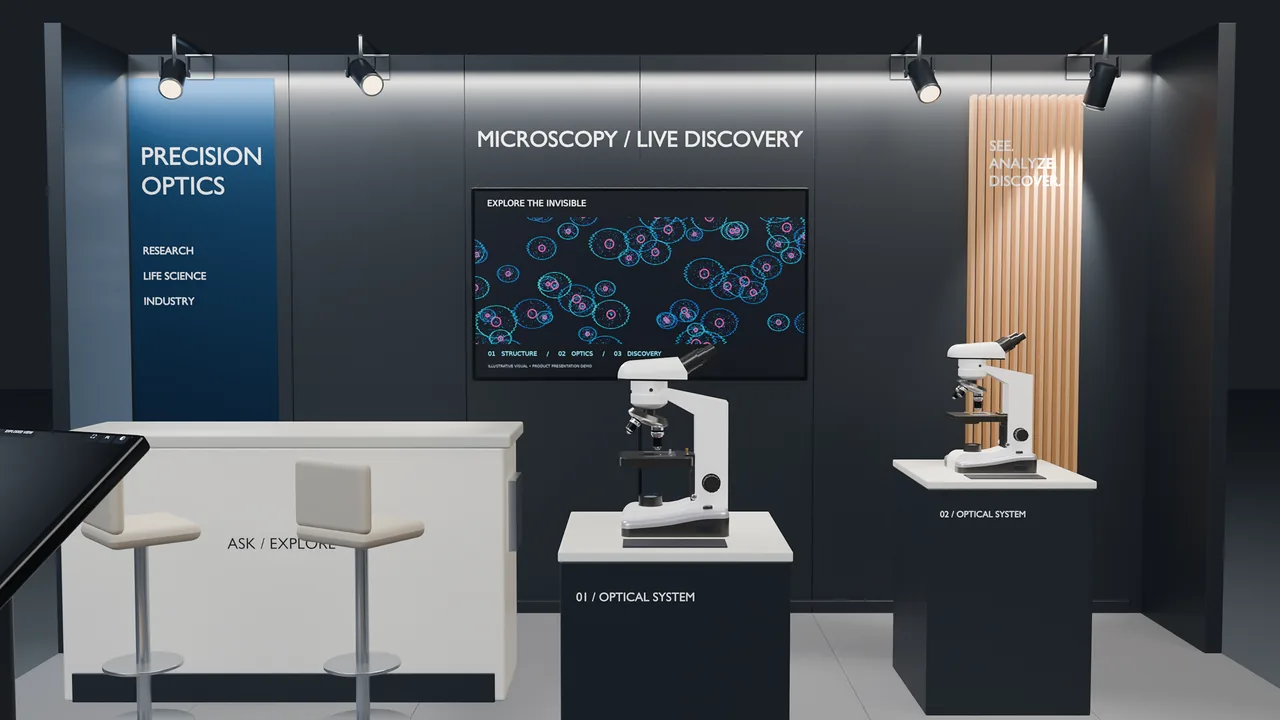
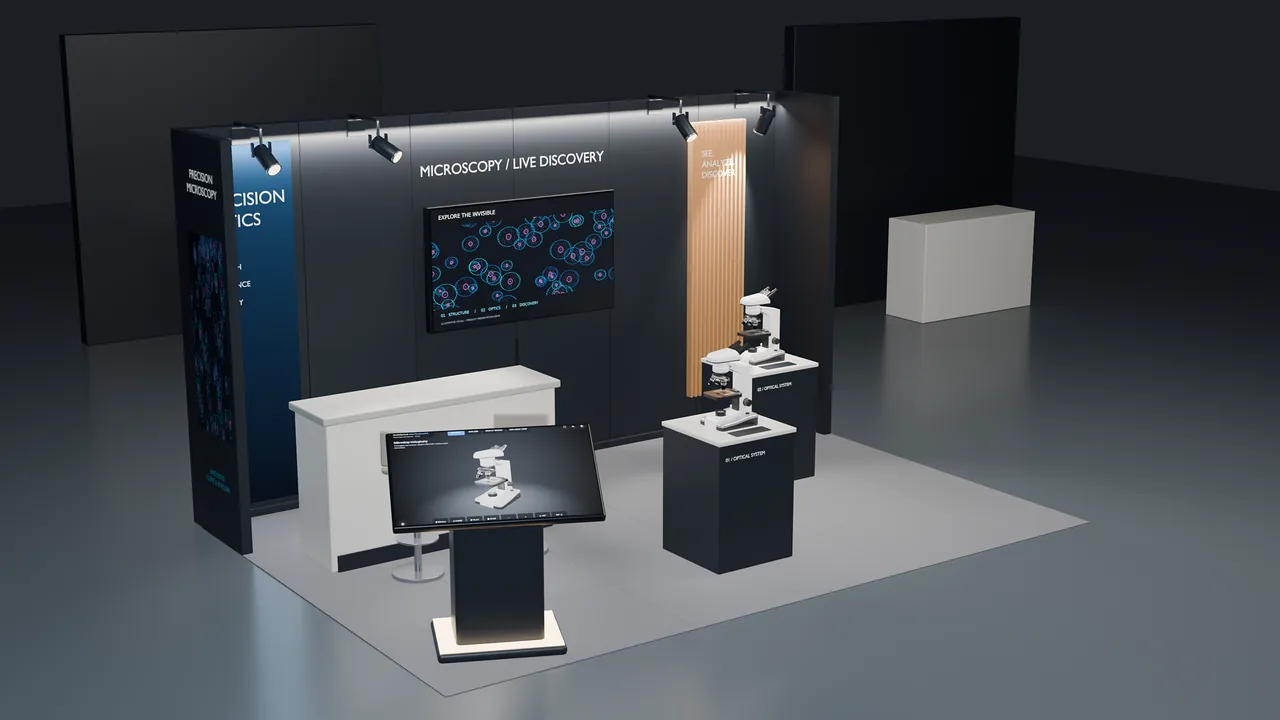
I prepare the stand concept and layout, a 3D model and a list of elements with their costs. You compare solutions and make decisions before you order production.
- Concept and functional layout
- 3D model and visuals
- Buy / rent / service for every element
- Options to compare before delivery
Services
What stand design includes
Concept
The purpose of the stand, the message and what visitors should remember.
Layout and ergonomics
Demo, meeting and storage zones, visitor flow, product display.
3D model and visuals
Views from every side and shots for discussing the project internally.
Furniture and technology
Choosing furniture, multimedia and lighting to fit the stand’s purpose.
Breakdown and options
Elements described as buy, rent or service — with options to compare.
Choosing contractors
Material for requests for quotation and help comparing quotes.
Example
Demo project / Scenovis Concept
From stand concept to budget decision
A demo project: how to explore the stand, check the cost of every element and compare options before production.
Video coming soon
A recording of the demo project will appear here.
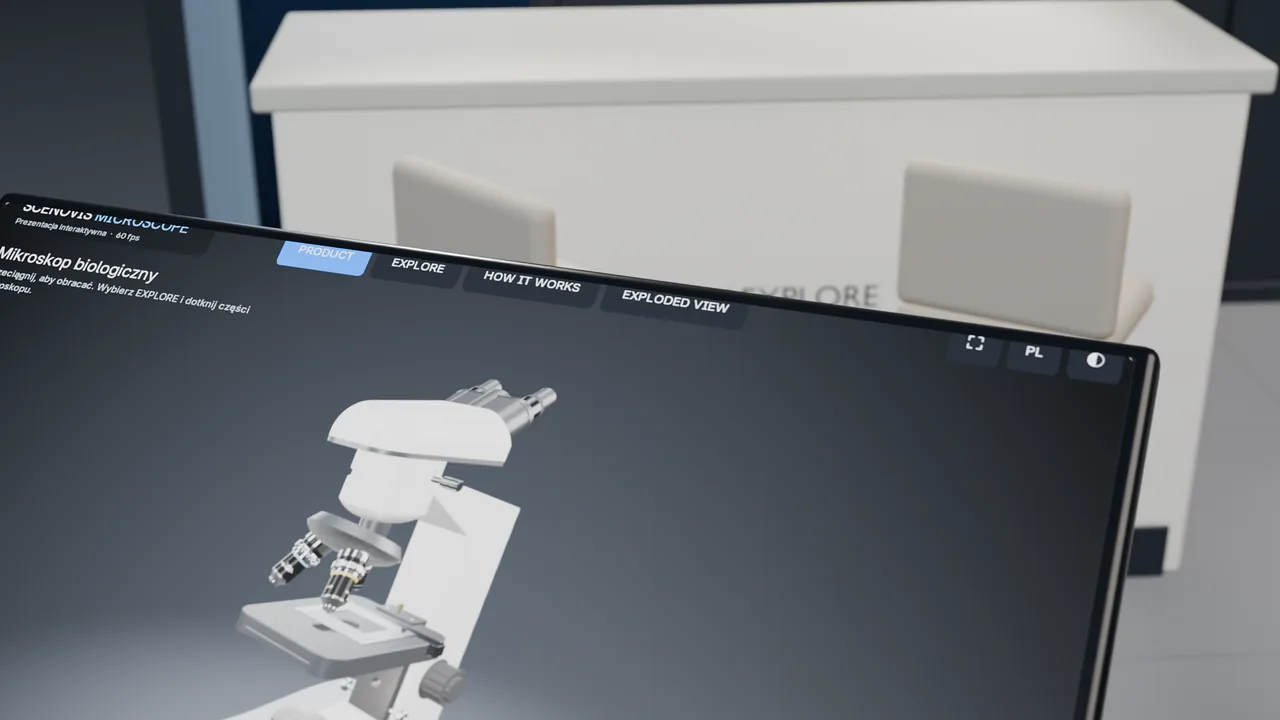
The recording is in preparation. It will show an interactive presentation built in Blender, operated by me — a demo concept, not a client project.
The whole layout, not just a render
Switch cameras and look at every zone of the stand.
A cost on every element
Structure, lighting, multimedia — split into buy, rent and service.
Options before production
Compare Economy, Smart and Premium and see what drives the cost differences.
What the film will show
- Overall stand view
- Camera change
- Selecting an element
- Orbit around an object
- Element cost
- Buy, rent or service
- Economy / Smart / Premium options
- Lighting cost
- Touch kiosk
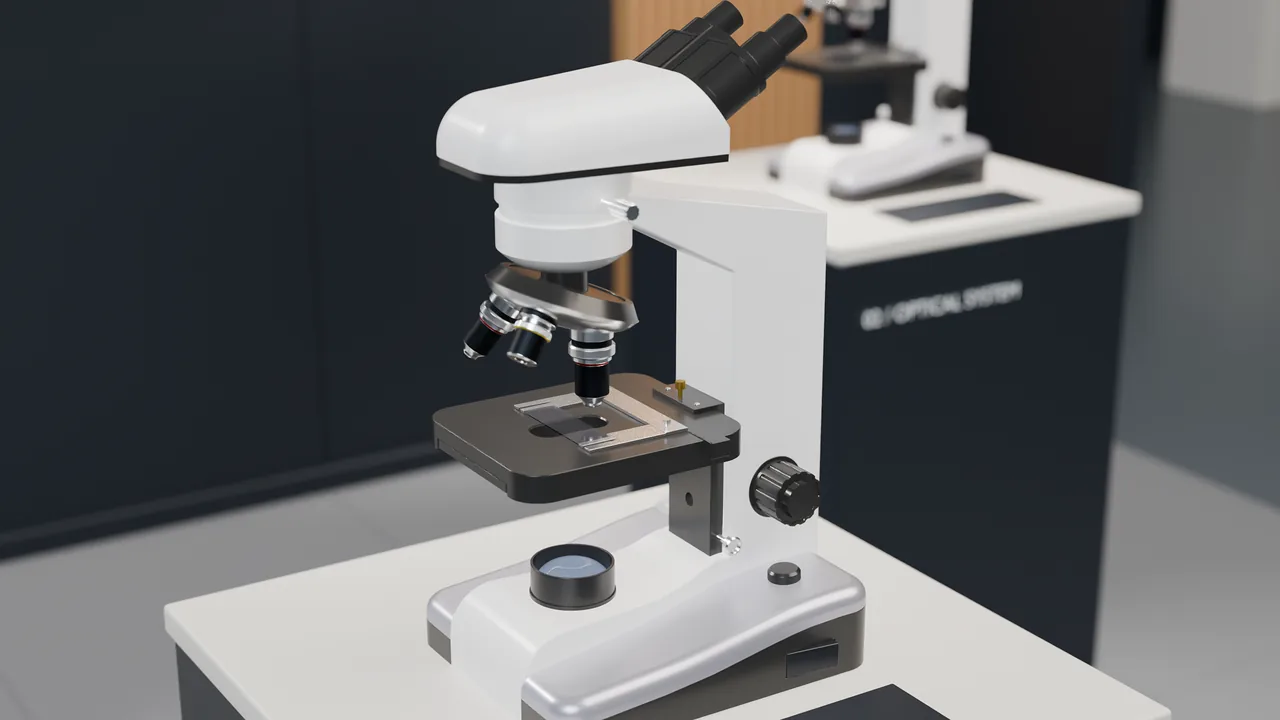
- Microscope presentation
- Back to the stand
- Comparing option costs
Want to see your own stand like this?
Discuss your stand designStand costs
Not just a render.
You know what you pay for.
In a stand design every element has its own cost and type. We talk about specifics, not a single lump sum.
- Buy you keep it and can reuse it
- Rent you pay for the time of the fair
- Service people’s work: transport, installation, staffing
What you get
- 3D model split into elements
- Breakdown: buy / rent / service
- Option comparison
- Where costs can be reduced
Stand elements breakdown
| ID | Element | Cost type | What it includes |
|---|---|---|---|
| K-01 | Structure | Buy or rent | Hired modular systemModular system + own reusable partsCustom-built stand |
| G-02 | Graphics | Buy | Prints on system framesReplaceable fabric graphicsFabric graphics, backlighting, 3D elements |
| O-03 | Lighting | Rent | Standard lighting + a few spotlightsTrack spotlights, product accentStage-style lighting design |
| M-04 | Multimedia | Rent | One screen with a video loopScreen + touch kiosk with 3D presentationLED wall + interactive stations |
| F-05 | Furniture | Rent | Counter and two stoolsMeeting area + counter with storageCustom furniture and back room |
| L-06 | Logistics | Service | Transport from the hire companyTransport + storage of elementsTransport, storage and insurance |
| S-07 | Installation | Service | System build-up and dismantlingBuild-up, dismantling and AV serviceBuild crew + on-site technician |
Illustrative example. Elements and amounts are set for each project, based on contractor quotes.
Process
How we work together
Call and brief
Goal, dates, scope and budget. One sentence is enough to start.
Concept
A stand layout or a storyline for the product presentation.
3D model and breakdown
Visuals, a presentation or a cost breakdown — depending on the service.
Review and decision
We go through the result together and agree the next steps.
Delivery — optional
Contractors matched to the scope, or a hand-over of materials to your own team.
Need a product presentation too?
On a stand you often need to explain a product that is hard to show live. An interactive 3D presentation can be part of the project or a separate commission.
3D product presentationsFAQ
Frequently asked questions
What does the stand design process look like?
We start with a brief: the fair, dates, floor space, goal and budget. I then prepare the concept and functional layout, a 3D model and a list of elements with their cost type. We go through the options, and only then do you decide what to order from contractors.
How do you price a project?
Every project is quoted individually — there are no fixed packages. The quote depends on the scope: for a stand, for example, on floor space and the number of options; for a 3D presentation, on the complexity of the product and the format. I give you a quote after a short call, before any work starts.
What drives the cost of a stand?
Usually: floor space and build type (modular or custom), materials and finish, graphics, lighting, multimedia, furniture, transport, build-up and dismantling, plus organiser fees (e.g. utility connections). For your project I break this down element by element.
What is better to rent and what to buy?
Mostly it depends on how often you exhibit. Elements used repeatedly — such as a modular structure, a kiosk or universal graphics — are often worth buying. AV equipment dates quickly, so renting it is usually better. In the project I compare both options for your situation.
Can the stand be reused at future fairs?
Yes, if we plan for it from the start: modules, replaceable graphics, transport and storage. I ask about it in the brief, because it affects the buy / rent decision.
What do you need from me to start?
Enough to start: the fair and its dates, floor space and stand type (island, corner, inline), what you want to show and a rough budget. Also helpful: logo or brand guide, product photos or models (e.g. STEP) and the organiser’s technical rules.
Who builds and installs the stand?
Production, installation, multimedia and logistics are delivered by independent contractors. I can help you choose them and, if agreed, coordinate the work. You can also order just the design with a cost breakdown and build it with your own contractor.
How early should we start?
Ideally start 2–3 months before the fair, and earlier for a custom-built or large stand. Organisers often require design approval in advance, and contractors need time for quotes and production.
I’m flexible: with a smaller scope and materials ready (stand dimensions, logo, product data) we can work faster. We agree a specific schedule after the brief.
Contact
Discuss your stand design.
A phone number or email is enough. I’ll get back to you to discuss the details.
Or contact me directly
Already have a brief? Send it to contact@scenovis.com.
I work in Polish and English.