
3D PRODUCT PRESENTATIONS
Show how your product works.
Interactive models, animations and cutaways of technical products. Show the build and the mechanisms you can’t see from outside — in sales meetings, in a showroom and at trade fairs.
- Product build and components
- Animations of mechanisms at work
- Touchscreen interaction
- Support for sales teams
Services
What I can prepare
Interactive model
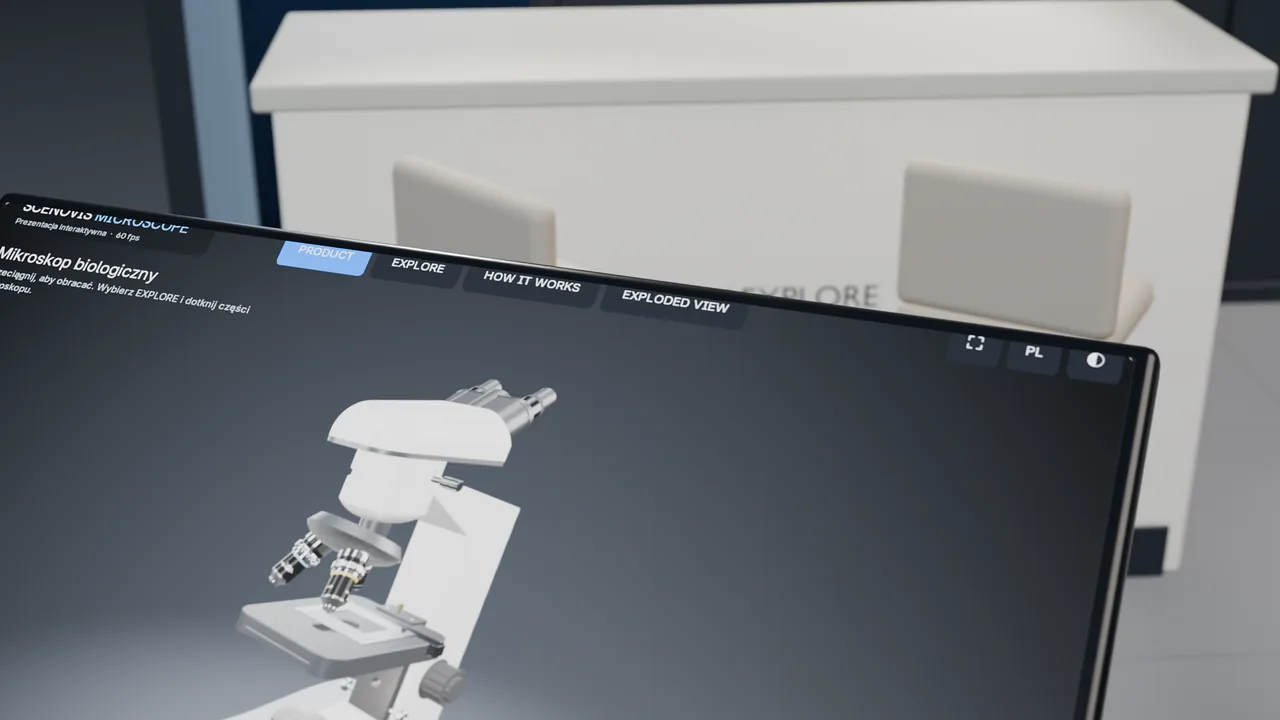
The user rotates the product, picks a part and looks at it up close.
Working animation
A short film or sequence showing how the mechanism operates.
Build and components
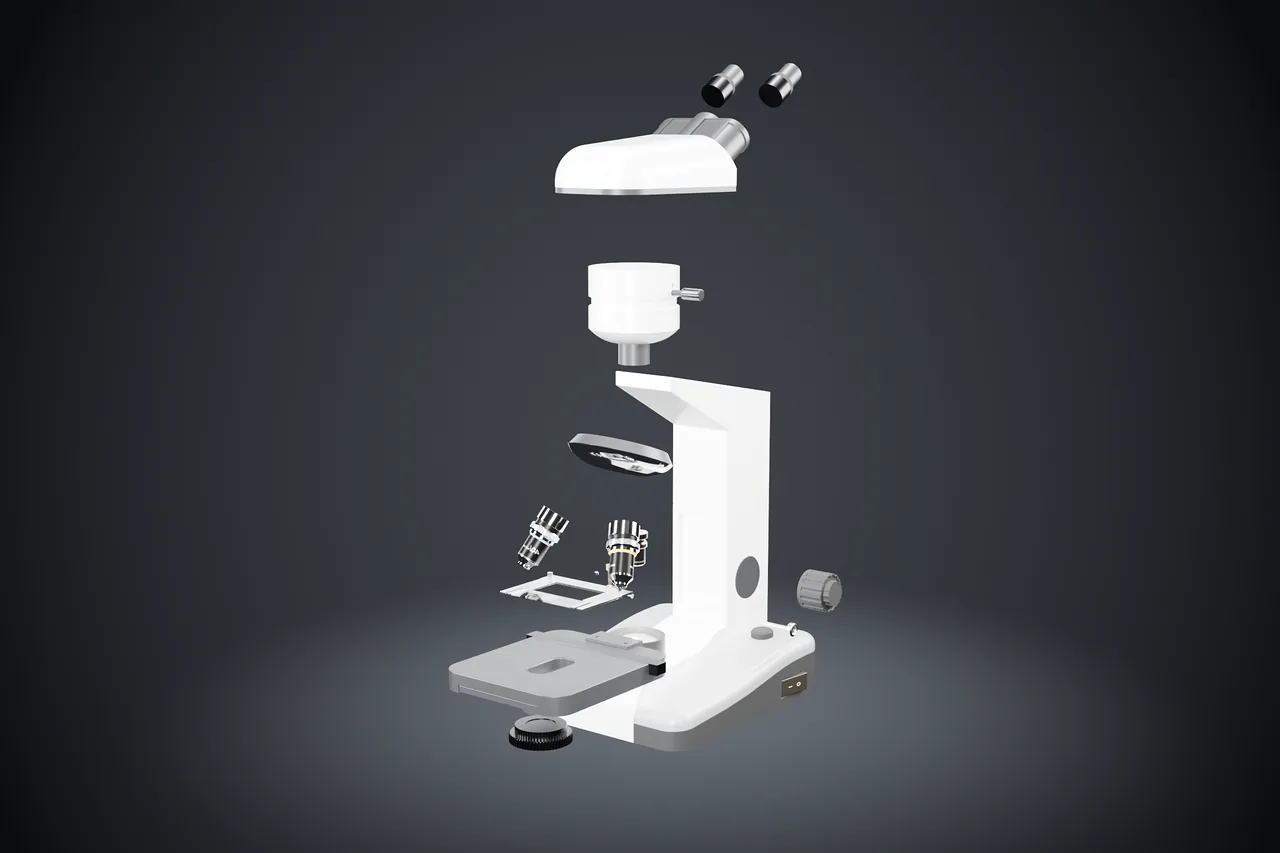
An exploded view: components spread out in space.
Cutaway
The inside of the device — flows and mechanisms you can’t see from outside.
Touchscreen and kiosk
Content prepared for a specific screen or kiosk.
Material for sales
A presentation that helps explain the product in a customer meeting.
Example
Demo project / Scenovis Concept
An interactive product presentation
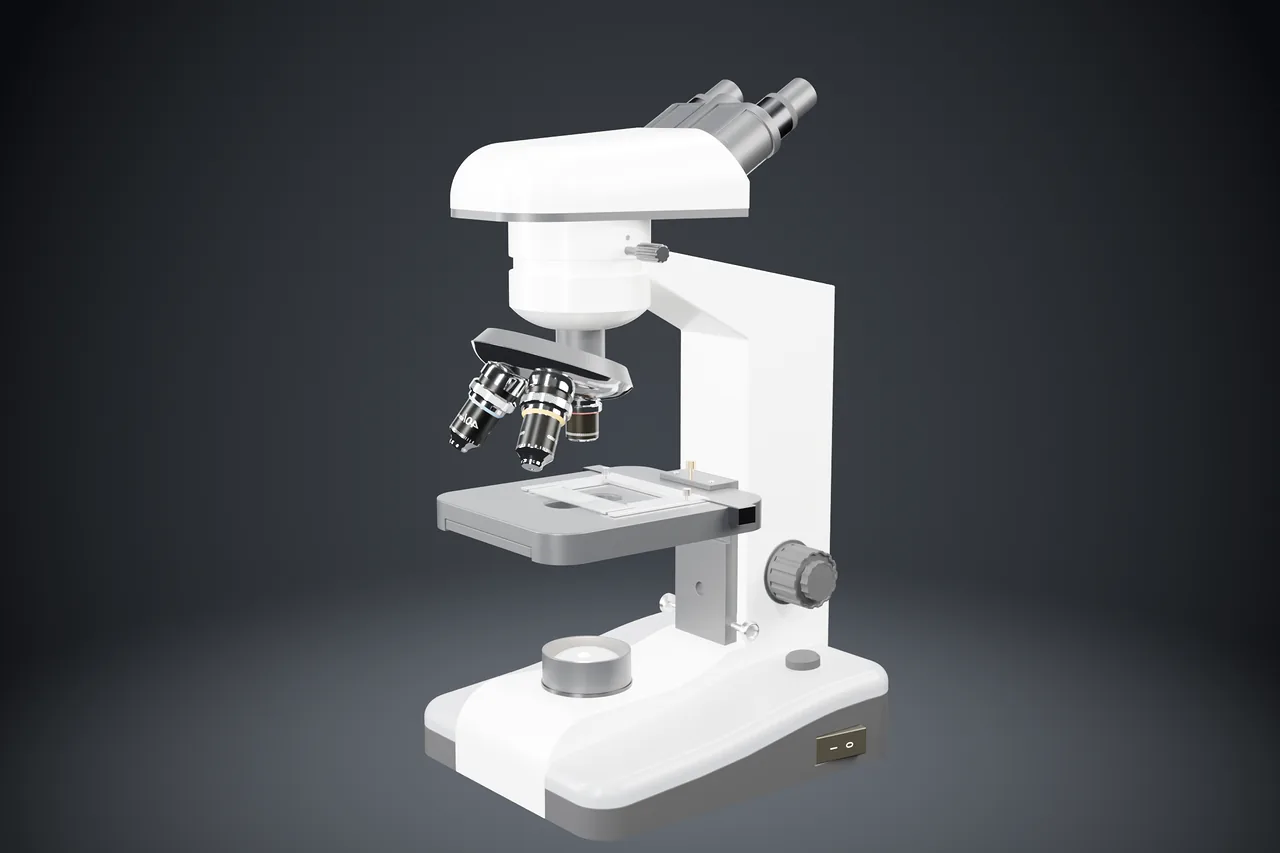
A Scenovis demo project: a presentation of a technical device (a microscope) built in Blender. It is a concept, not a client project.

Video coming soon
A recording of the demo project will appear here.
The recording is in preparation. Below is what a product presentation of this kind can cover.
How the device is built
Components and mechanisms shown in space — including those hidden inside the housing.
Part by part
A visitor or sales rep picks a part and looks at it from every side.
How the product works
An animation shows the mechanism in action — without dismantling or shipping the device.
Want to present your product like this?
Let’s talk about your product presentationThe fair ends. The presentation can keep working.
Where the format and the contract allow, the model and materials can be reused — in sales, in a showroom or on your website.
- Sales
- Showroom
- Trade fairs
- Website
Exhibiting at a trade fair?
You can combine the presentation with a stand design — with a 3D model and a cost breakdown. Order the services separately or together.
Exhibition stand designFAQ
Frequently asked questions
What form can a 3D presentation take?
Depending on your needs: an interactive presentation where the user picks parts of the product, an animation or film, or a set of visuals and cutaways. We choose the format for where it will be used — a stand, a showroom, a sales meeting or a website.
What data do you need for a 3D product presentation?
CAD models (e.g. STEP) or technical drawings work best. If you don’t have them, we can start from photos, dimensions and a description of how it works — and agree the right level of detail together.
Which devices does the interactive presentation run on?
As standard, the presentation runs in a web browser — on a laptop or a touchscreen. Quality and set-up are matched to the hardware: an online version (e.g. high-quality streaming) needs internet access, while on a desktop computer or kiosk it can run locally, offline. We agree the option at the start of the project.
Can the presentation be reused?
Yes, where the format and the contract allow it. A model and materials prepared for a fair can later support sales, a showroom, or be used as video and images on your website.
Does a 3D presentation have to be for a trade fair?
No. A presentation can support sales reps in meetings, run in a showroom or on a website. You don’t need a stand for it.
How do you price a project?
Every project is quoted individually — there are no fixed packages. The quote depends on the scope: for a stand, for example, on floor space and the number of options; for a 3D presentation, on the complexity of the product and the format. I give you a quote after a short call, before any work starts.
Contact
Let’s talk about your product presentation.
A phone number or email is enough. I’ll get back to you to discuss the details.
Or contact me directly
Already have a brief? Send it to contact@scenovis.com.
I work in Polish and English.